Key takeaways
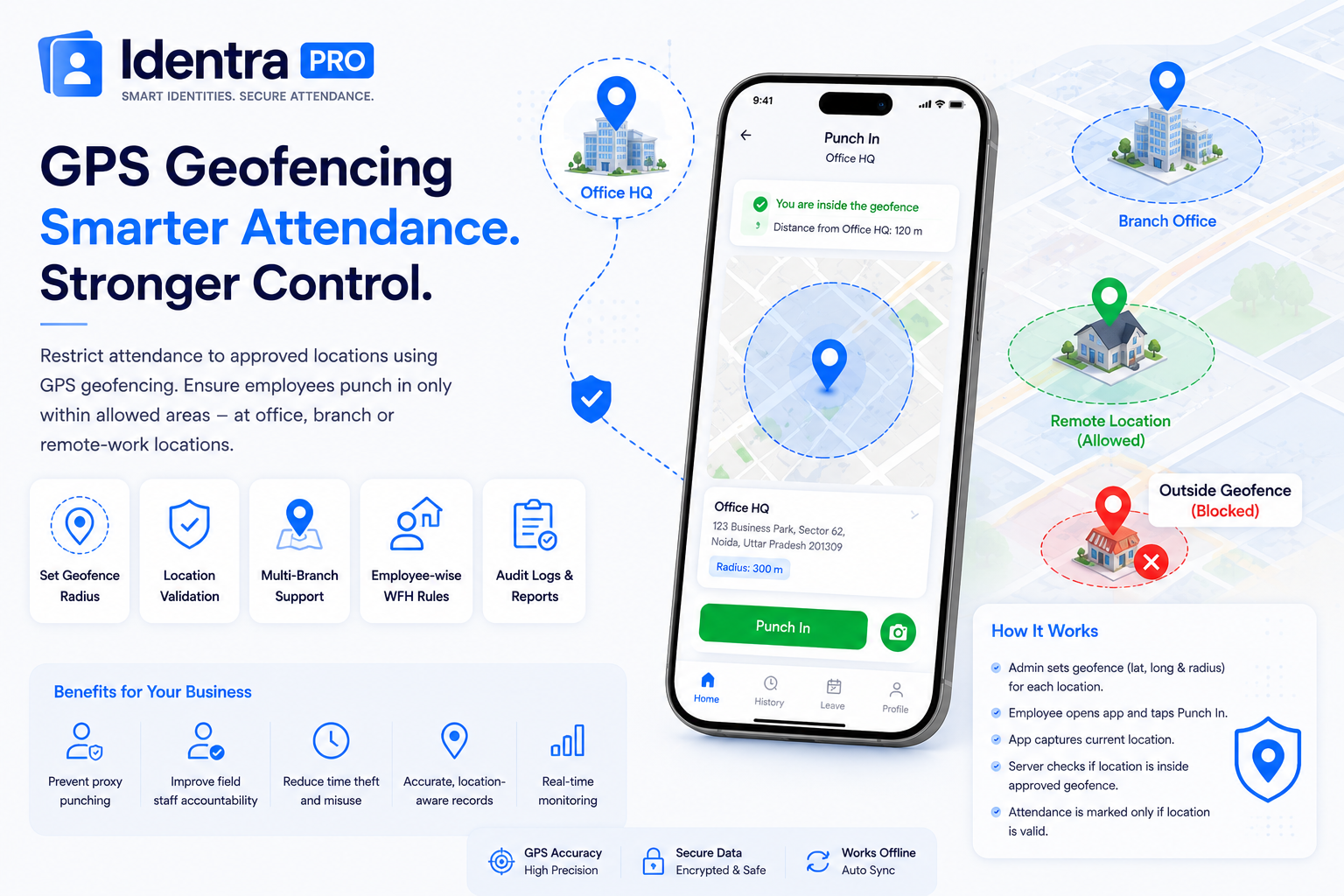
- A geofence defines an approved attendance radius around an office or branch.
- Employees outside the permitted area can be blocked from marking attendance.
- Employee-specific WFH rules provide flexibility without disabling location controls for everyone.
Automate Bulk ID Cards & AI Face Attendance
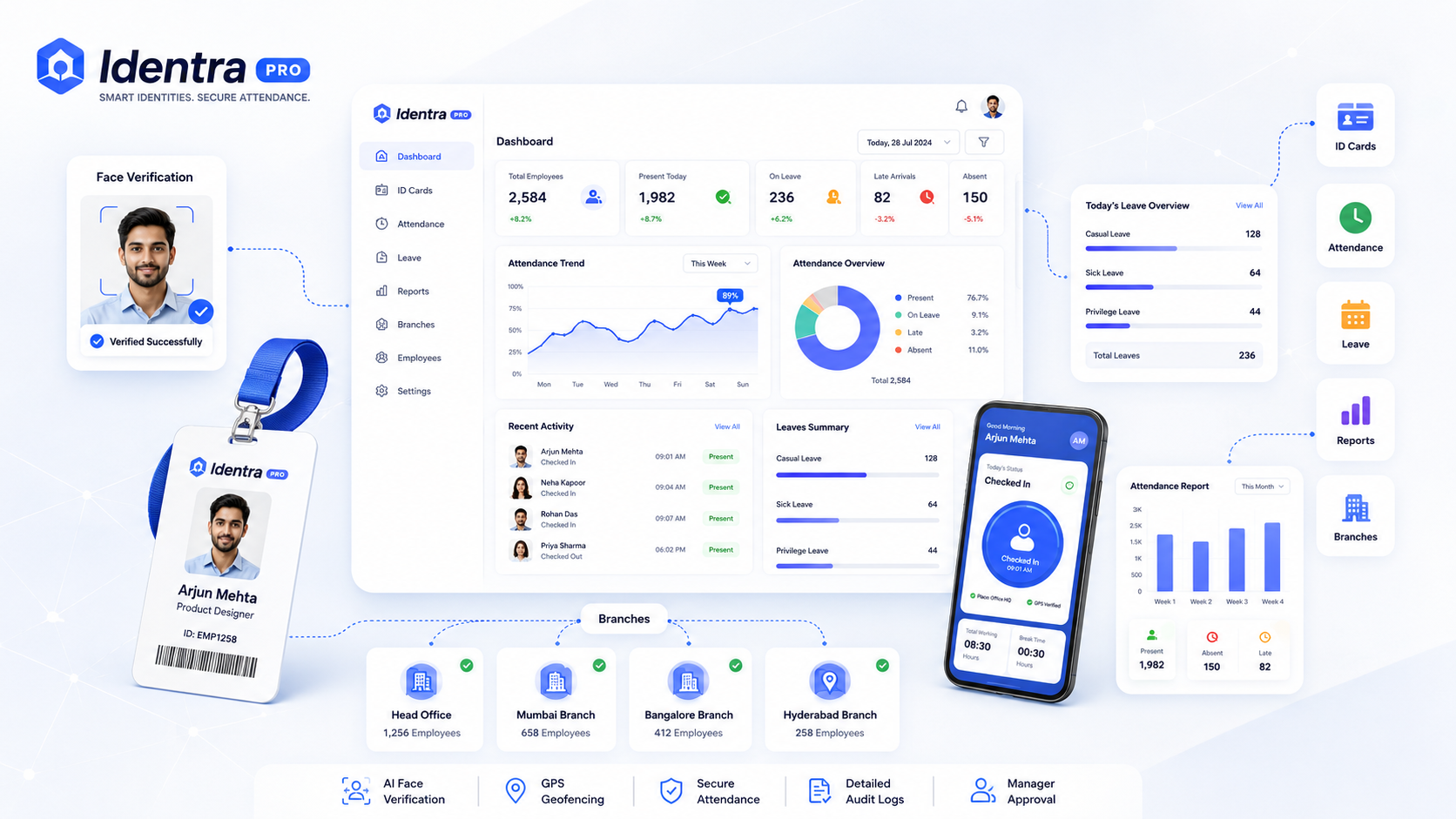
Generate print-ready ID cards, verify employee punch-in via AI Face ID + GPS geofencing, and manage leave records in one workspace.
GPS geofencing is a location-based security rule that allows attendance only when an employee is within an approved geographic area.
How a Geofence Works
An administrator configures the latitude, longitude, and allowed radius for each office or branch.
When an employee attempts to Punch In, the mobile app reads the current location and sends it to the attendance server. The server checks whether the employee is inside an approved geofence.
Why GPS Attendance Is Useful
- Prevents attendance from unrelated locations
- Supports multiple office branches
- Improves field staff accountability
- Reduces manual location verification
- Creates a location-aware audit record
Work From Home Should Be Employee-Specific
One common mistake is enabling remote attendance for the entire company. A better approach is to configure Work From Home permission separately for each employee.
For example, two or three approved remote employees can punch from their current location, while all other employees remain restricted to office geofences.
GPS Alone Is Not Enough
Location confirms where the device is, but it does not confirm who is using the device. For stronger verification, GPS should be combined with AI Face Verification and secure login sessions.
Zero Hardware, 100% Verified Attendance
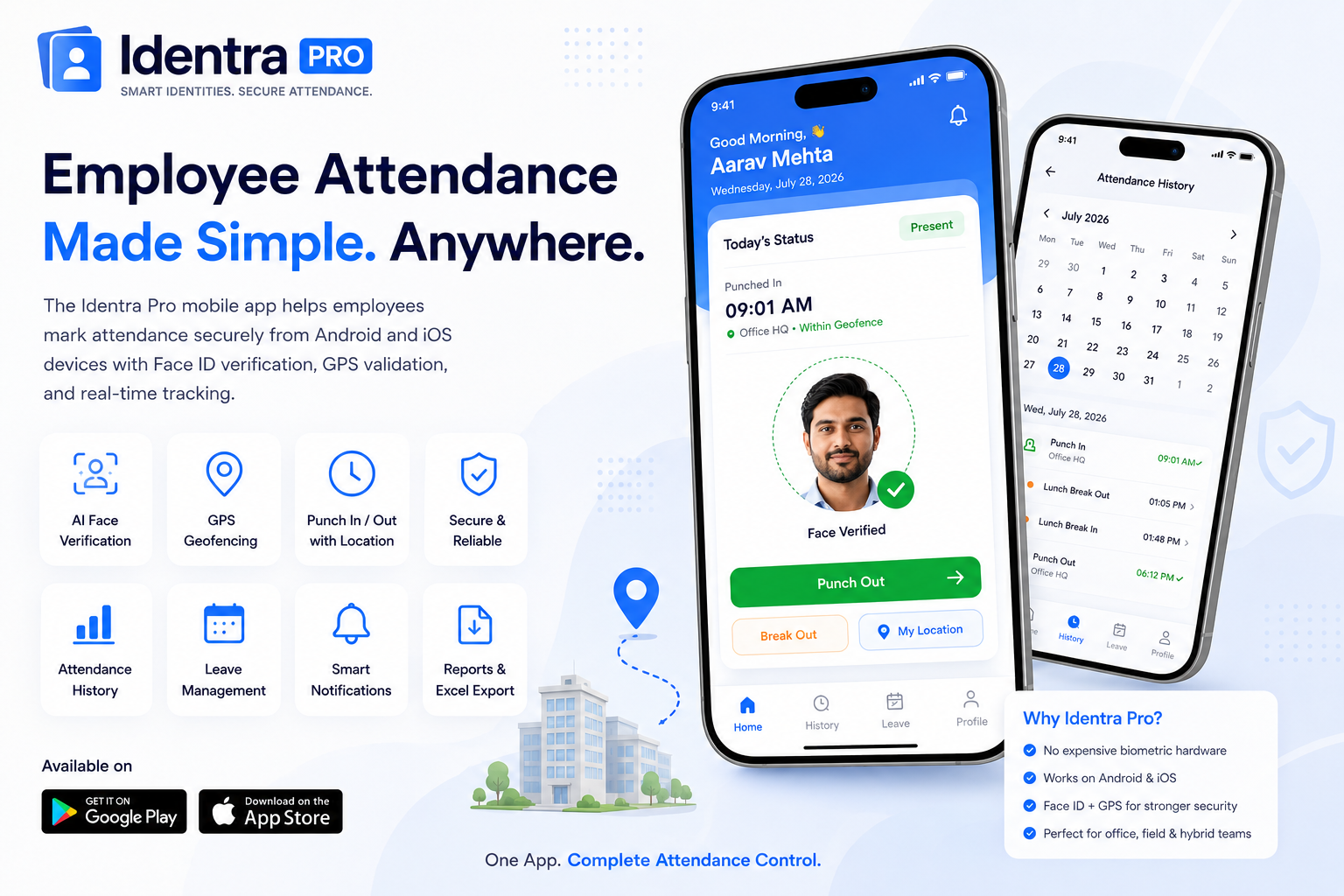
No expensive biometric machines needed. Employees punch in with live selfie capture, GPS geofencing, leave tracking, and instant manager alerts.
Stop proxy attendance and automate your workforce.
Create smart ID cards, verify every punch with AI Face ID and GPS, manage leave, reports and multiple branches from one secure workspace.