Key takeaways
- A mobile attendance app allows employees to mark attendance without fixed biometric hardware.
- Live photo capture and GPS verification can add stronger validation to every punch.
- Employees can check attendance history and submit leave requests from the same app.
Automate Bulk ID Cards & AI Face Attendance
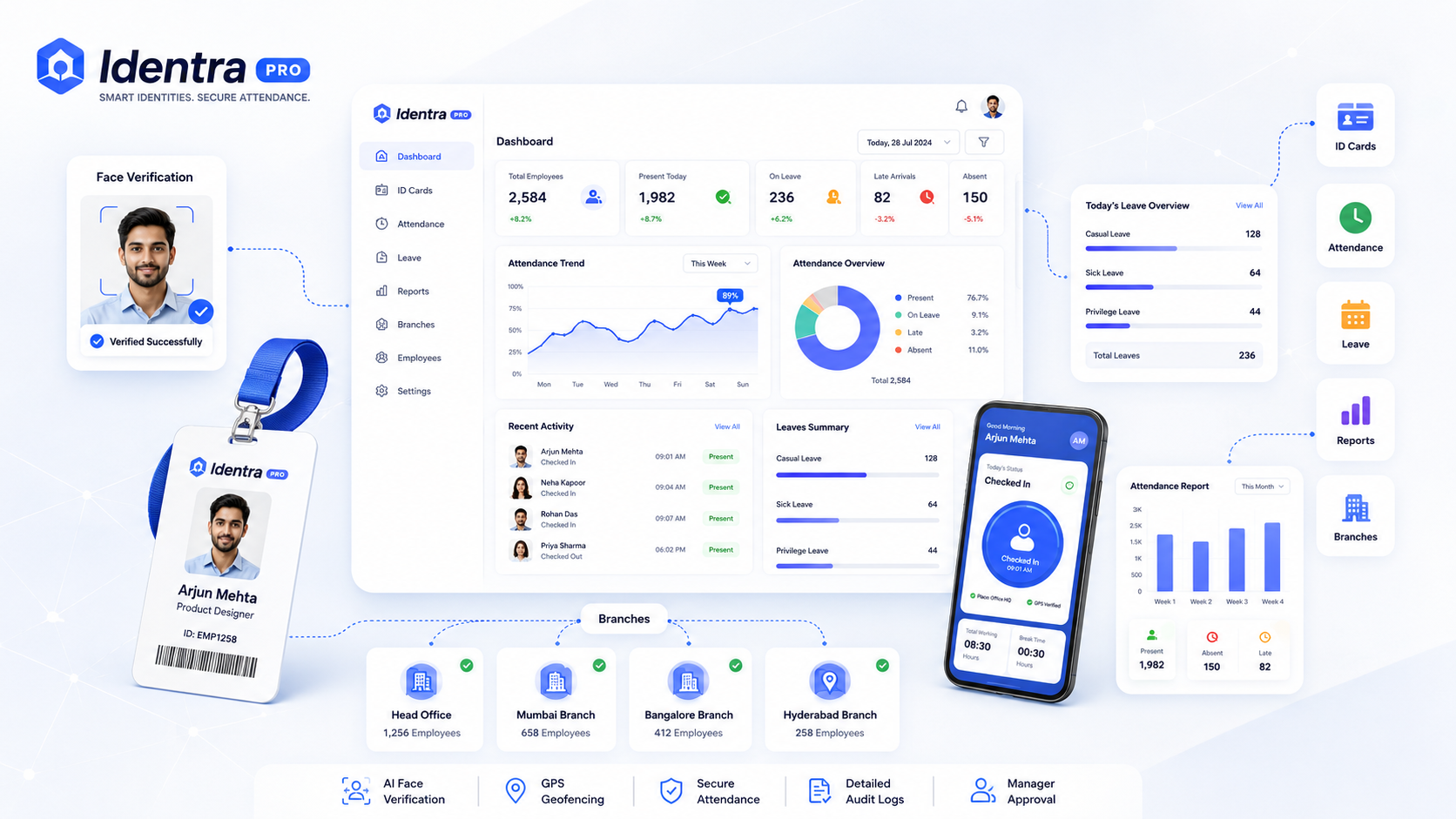
Generate print-ready ID cards, verify employee punch-in via AI Face ID + GPS geofencing, and manage leave records in one workspace.
Traditional biometric devices work well inside a fixed office, but they are less flexible for companies with multiple branches, remote employees, field staff, or hybrid work policies.
What Is a Mobile Attendance App?
A mobile attendance app allows employees to securely mark Punch In and Punch Out from an Android or iOS device.
A modern app should do more than simply record a button click. It should verify identity, location, time, and attendance eligibility.
Essential Features of a Modern Attendance App
- Secure Login: Employee credentials and protected sessions.
- AI Face Verification: Live photo verification during attendance.
- GPS Geofencing: Attendance only from approved office locations.
- Work From Home Rules: Remote punching enabled only for authorized staff.
- Attendance History: Employees can review previous punches.
- Leave Management: Apply for leave, WFH, or missed punch correction.
- Push Notifications: Punch reminders and approval updates.
Benefits for HR and Management
Mobile attendance reduces dependency on physical devices and gives HR teams a centralized view of staff attendance across branches.
- Real-time attendance monitoring
- Faster onboarding of new employees
- Reduced manual attendance correction
- Monthly Excel export
- Better support for hybrid teams
Identra Pro Mobile App
The Identra Pro mobile app is designed for Android and iOS using Flutter. Employees can mark attendance with Face ID and GPS verification, review attendance history, manage Face ID enrollment, and submit leave requests.
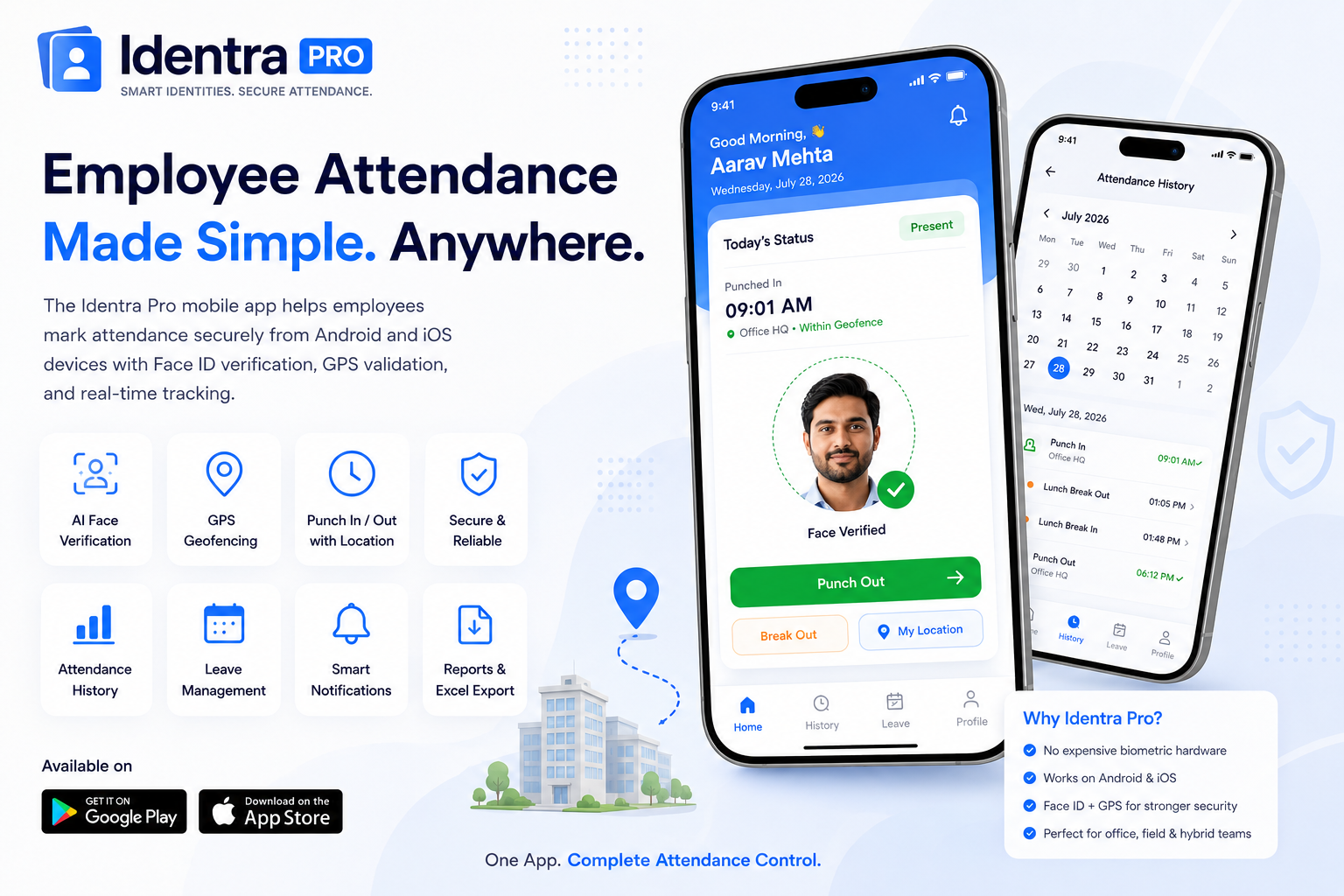
Zero Hardware, 100% Verified Attendance
No expensive biometric machines needed. Employees punch in with live selfie capture, GPS geofencing, leave tracking, and instant manager alerts.
Stop proxy attendance and automate your workforce.
Create smart ID cards, verify every punch with AI Face ID and GPS, manage leave, reports and multiple branches from one secure workspace.