Key takeaways
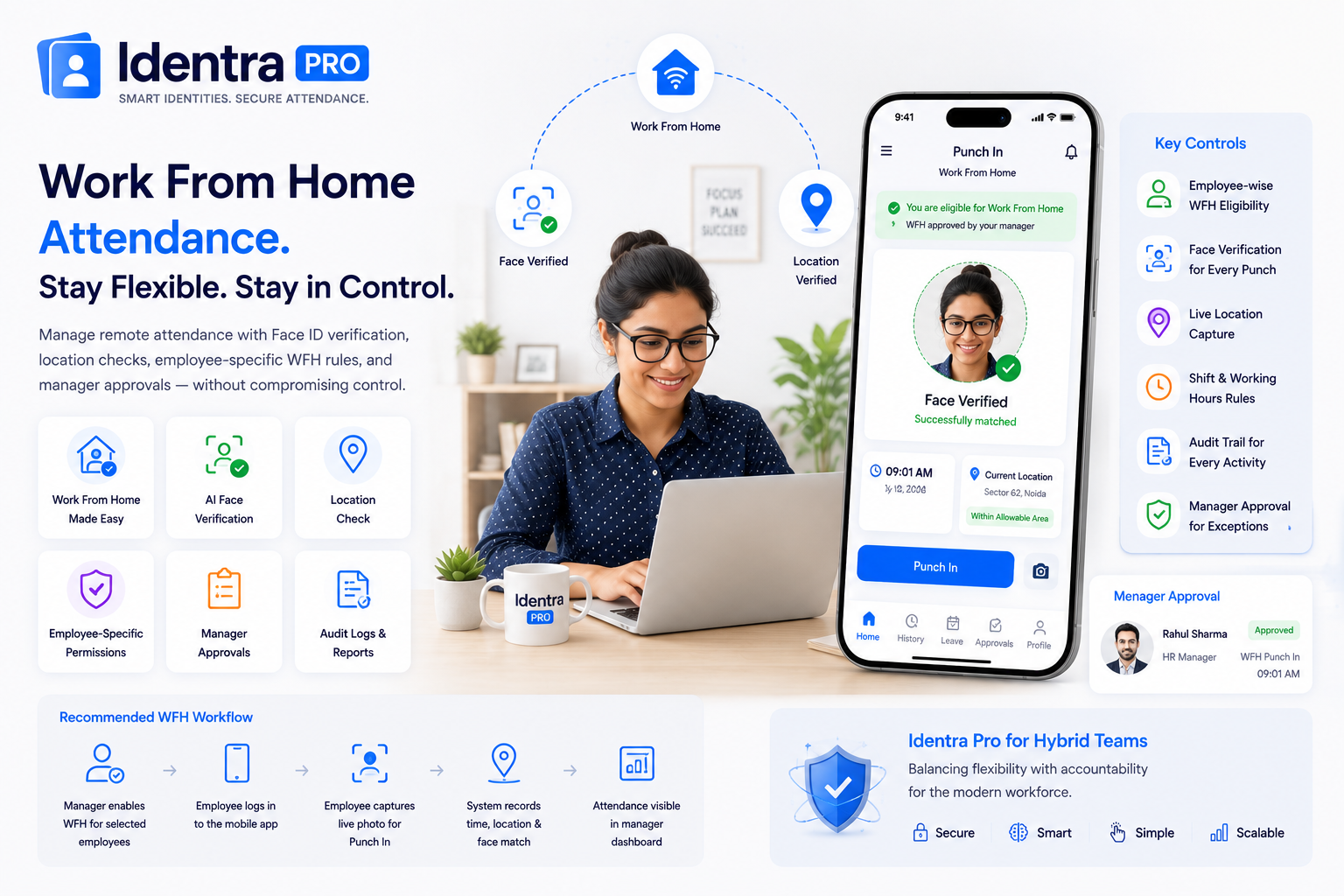
- Work From Home attendance should be enabled only for authorized employees.
- Face verification helps confirm the correct employee is marking attendance remotely.
- Managers need a clear approval and audit workflow for remote attendance.
Automate Bulk ID Cards & AI Face Attendance
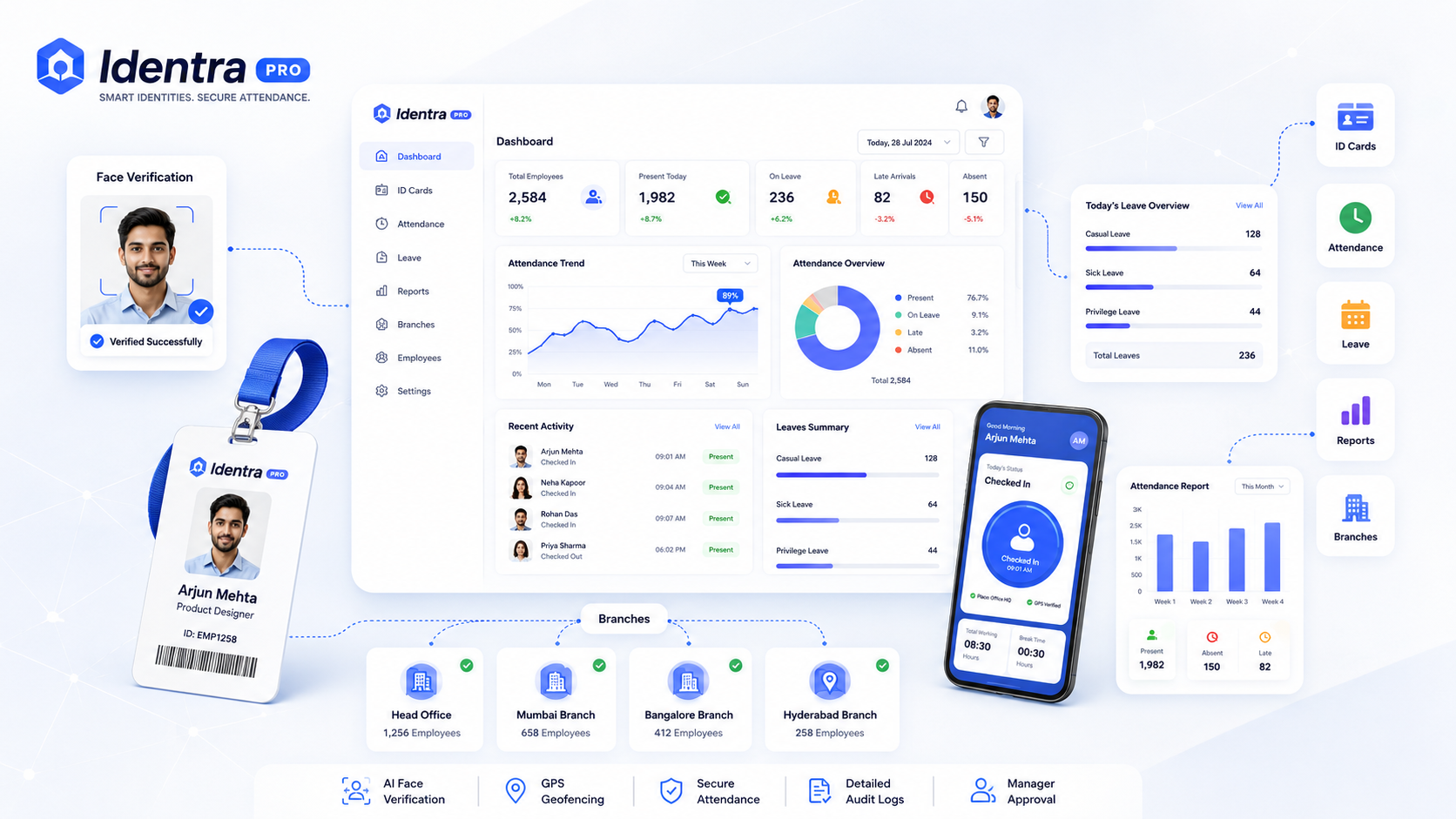
Generate print-ready ID cards, verify employee punch-in via AI Face ID + GPS geofencing, and manage leave records in one workspace.
Hybrid work gives employees flexibility, but it also creates challenges for attendance tracking. Businesses need a system that supports approved remote employees without weakening attendance controls for the entire organization.
Avoid Company-Wide WFH Permission
Instead of enabling remote attendance for everyone, assign Work From Home permission to individual employees.
This allows a small group of authorized remote employees to punch from outside the office while other staff remain restricted to office locations.
Recommended WFH Attendance Workflow
- The manager enables WFH permission for selected employees.
- The employee logs in using the mobile app.
- The employee captures a live photo during Punch In.
- The system records time, location, and Face ID verification result.
- The attendance record appears in the manager dashboard.
Important Controls
- Employee-specific WFH eligibility
- Face verification during punching
- Current GPS location capture
- Device and login audit trail
- Shift and working-hour rules
- Manager approval for exceptions
Identra Pro for Hybrid Teams
Identra Pro supports office geofencing and employee-specific Work From Home rules so organizations can manage office and remote staff within one attendance system.
Zero Hardware, 100% Verified Attendance
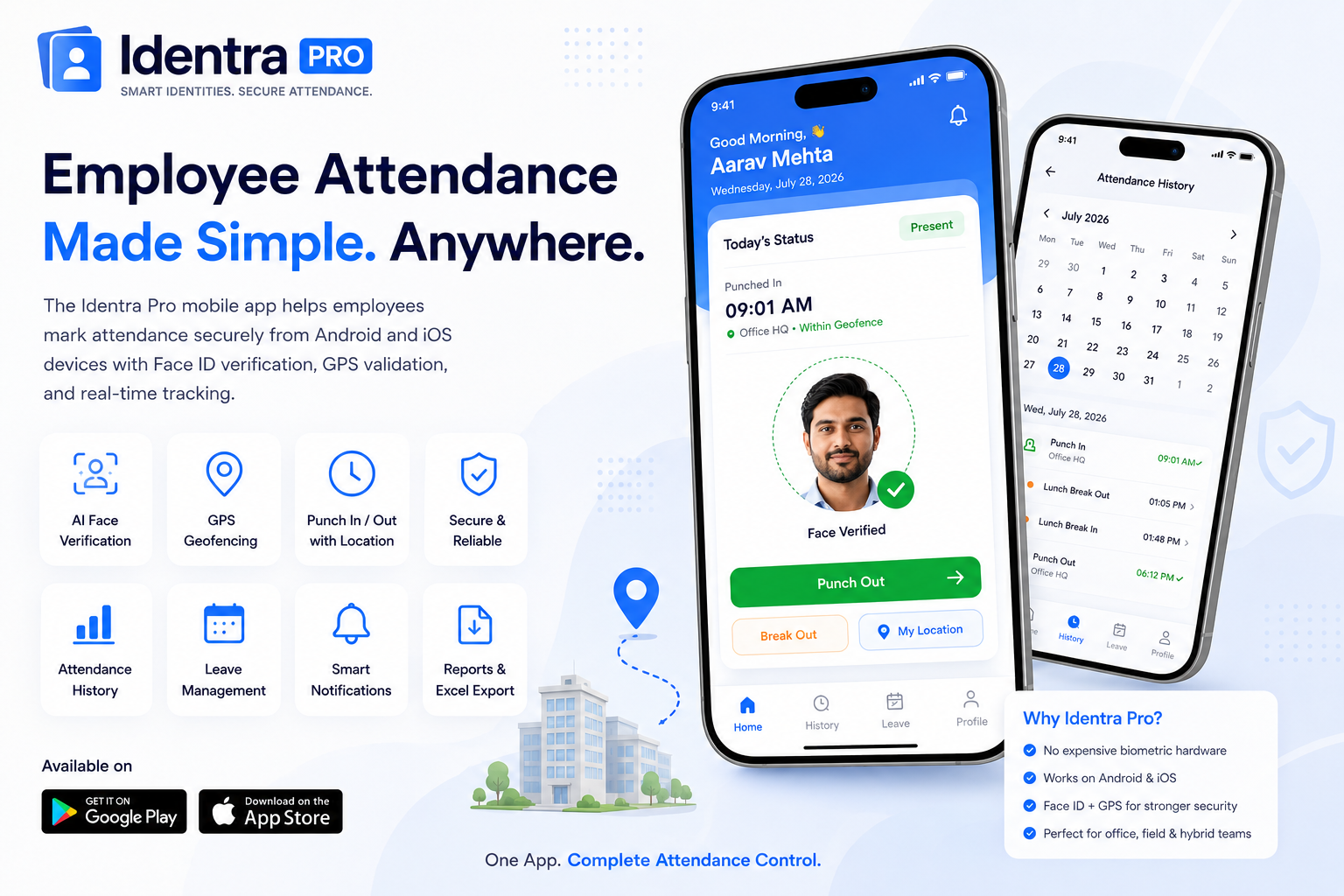
No expensive biometric machines needed. Employees punch in with live selfie capture, GPS geofencing, leave tracking, and instant manager alerts.
Stop proxy attendance and automate your workforce.
Create smart ID cards, verify every punch with AI Face ID and GPS, manage leave, reports and multiple branches from one secure workspace.